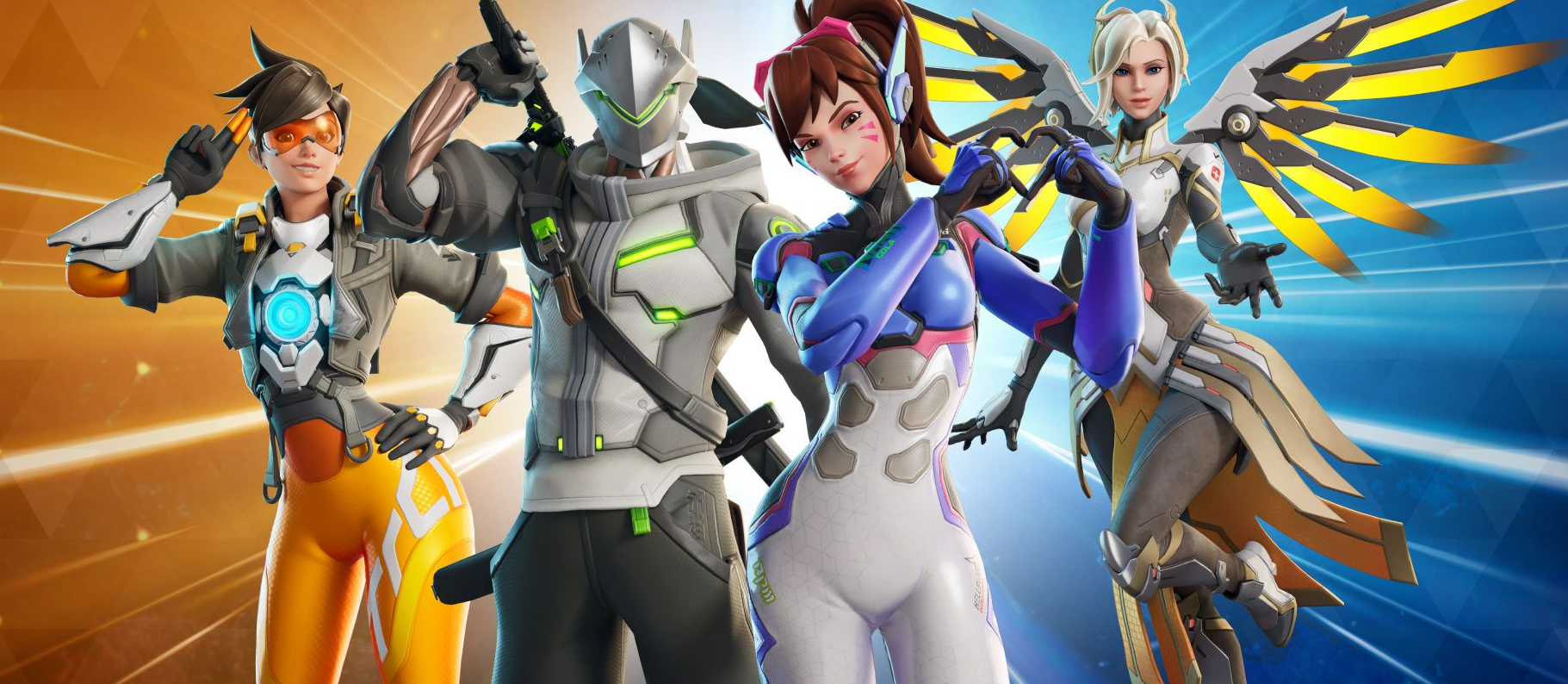
Overwatch Season 4 Twitch Drops Live with MEKA Squad Rewards
by JR Cook - 3 months ago show comments
Season 4 is here and Blizzard is celebrating with a fresh batch of Twitch Drops for anyone ready to defend Busan. The campaign launched today at 11 AM PT and runs through September 19 at 12 PM PT, giving you over a month to rack up watch time and snag some exclusive MEKA Squad-themed rewards.
The drop tiers scale up from 20 minutes to 8 hours of total watch time, and you can bounce between any Overwatch stream on Twitch without losing progress. The headliner rewards include a Cute Sierra Avatar at 2 hours and a MEKA Squad Namecard at 3 hours, both themed around the D.Va lore drop we’ve been getting this season. You’ll also unlock two sprays (Bad News and Shion Slide) early in the grind, plus a Regular Lootbox at 5 hours and an Epic Lootbox at the 8-hour mark.
One quality-of-life change worth noting is that Twitch no longer requires you to manually claim each drop before progressing to the next one. You’ll still need to claim everything within 24 hours after the campaign ends on September 19, but you can let the progress stack while you watch without micromanaging the drop page. If you’re streaming from your phone or tablet, the Twitch app for Android and iOS both support drops, but console and smart TV apps don’t, so plan accordingly.
If you’re planning to knock out all 8 hours in one sitting or across a few marathon sessions, a solid headset makes all the difference. The SteelSeries Arctis Nova 5 is a premium wireless option that holds up well for extended wear, and the HyperX Cloud III Wireless offers excellent sound isolation if you’re trying to focus on the stream without distractions.

Start off your defense of Busan right by tuning in to your favorite Overwatch stream on Twitch! Watch for the following durations to earn the corresponding rewards:
- Bad News Spray: 20 mins
- Shion Slide Spray: 1 hour
- Cute Sierra Avatar: 2 hours
- MEKA Squad Namecard: 3 hours
- Regular Lootbox: 5 hours
- Epic Lootbox: 8 hours
Frequently Asked Questions
Q. What are the dates of the Twitch Drops?
A. Our Twitch drops campaign runs from 11 AM PT Thursday August 11 until 12 PM PT on Monday September 19.
Q. How long do I have to claim my drops?
If you don’t claim within 24 hours from when the promotion ended, the drop will no longer be available.
Q. Do I need to claim each drop before I can start accumulating hours to get the next drop?
Twitch no longer requires viewers to claim each drop before they can earn progress to the next drop in the campaign.
Q. How do I link my Battle.net and Twitch account?
A. Sign into your Battle.net account at account.battle.net/connections and click the Connect link for Twitch, then follow the instructions to sign-in and link your Twitch account to Battle.net.
Q. What devices can I use to earn and claim drops?
A. You can earn and claim drops using your PC/Mac web browser or on the Twitch app for Android or iOS. Twitch apps on game consoles, smart TVs, and other TV apps do not support drops.
Q. Do I need to watch the same channel the entire time to earn my drops?
A. No, you can earn progress towards a drop on any channel in the Overwatch category on Twitch. For example, you can watch half an hour on one channel and then switch to another channel without losing your progress. You cannot earn progress faster by watching more than one channel at a time.
Q. Will I receive my drop rewards in-game automatically?
A. No. You must claim the drop on the channel you’re watching or in the Drops Inventory menu on Twitch.
Q. Do I need to have heroes unlocked to receive the drops for that hero?
A. You do not need to have the hero unlocked to receive the drops, but you will not be able to a…